Design your menus, schedule what each screen shows and manage every display from one place — change a price once and every screen shows it.
One panel for your menus, your schedules and your displays.
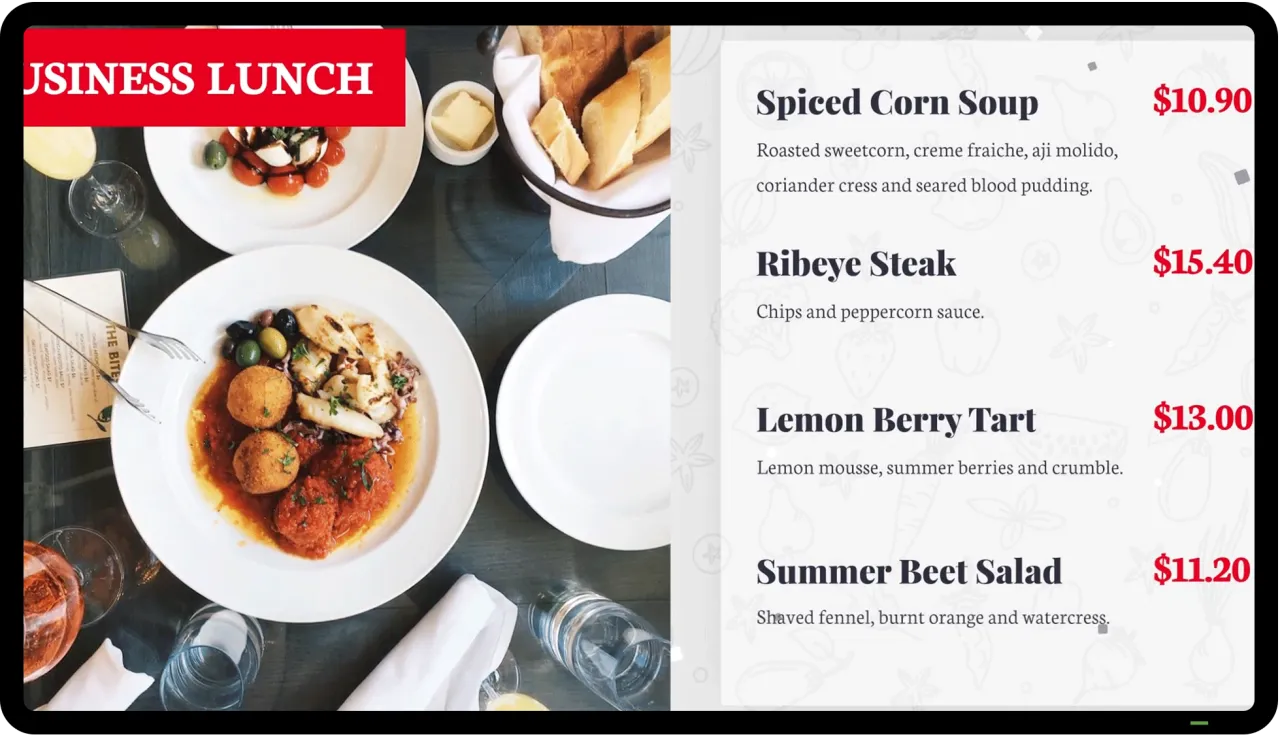
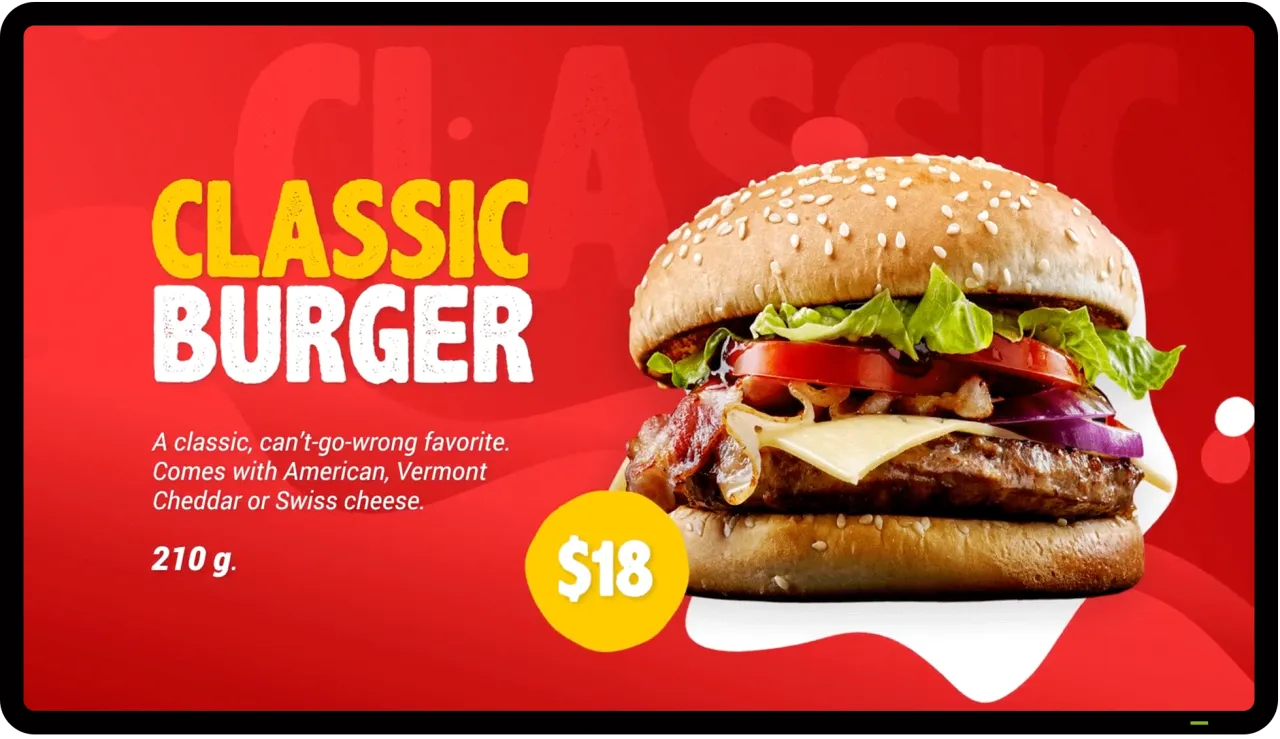
Start from a ready-made menu template or build your own with images, video and text — right in the browser.
Breakfast in the morning, lunch at noon: playlists switch by date, time and day of the week on their own.
See every screen in one list with its status, its schedule and when its plan expires.
Restart a screen from the panel and check a screenshot of what it is showing right now.
Mix photos, video and text in your menus — the screen plays them in the order you choose.
Screens run the +más app on an Android TV box or smart display and update themselves.
Sign up and open your panel.
Pick a template and add your products, prices and photos.
Open the +más app on the display and sign in with its display name and pass code.
Choose what plays when — the screen picks it up automatically.
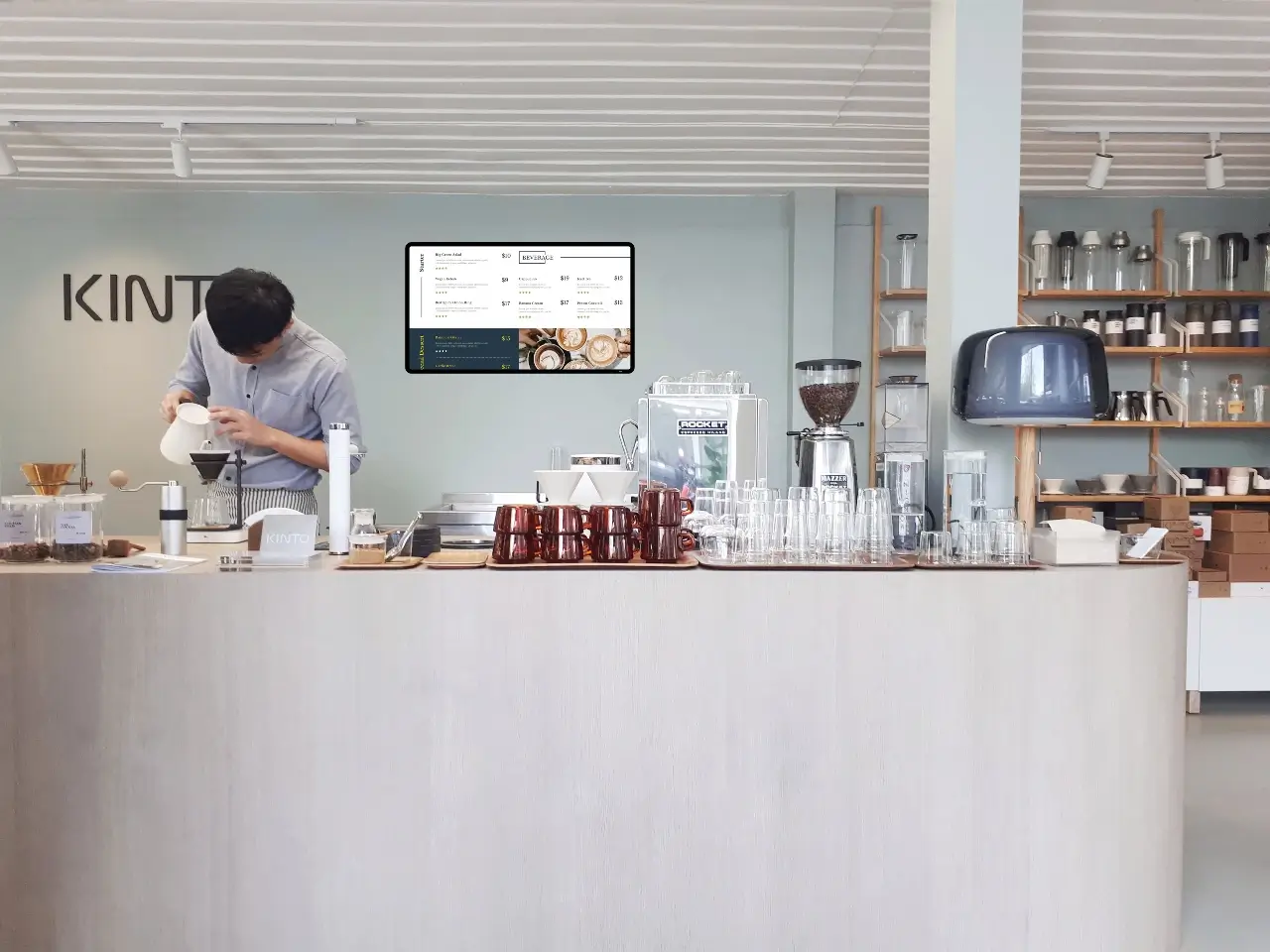
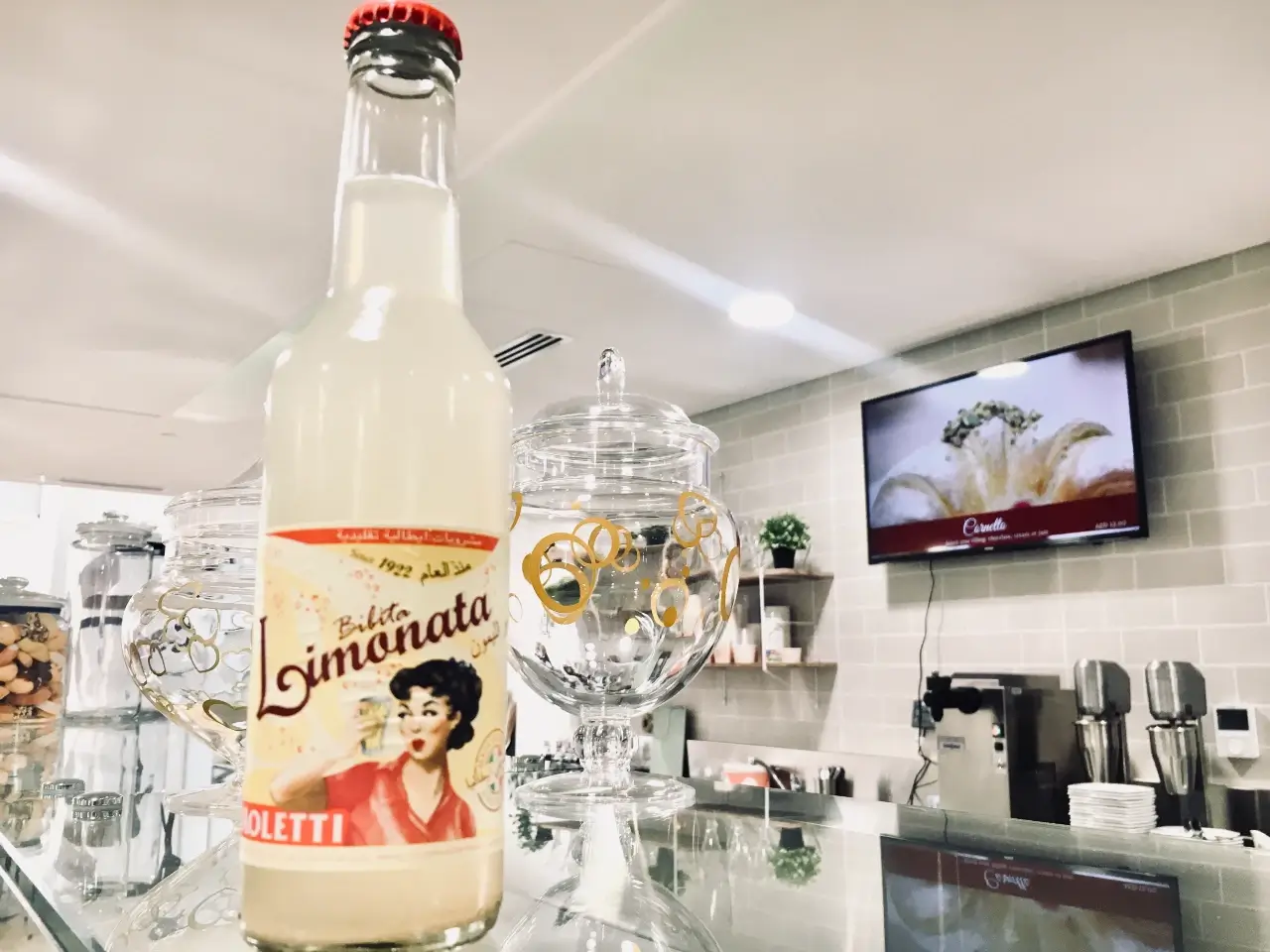
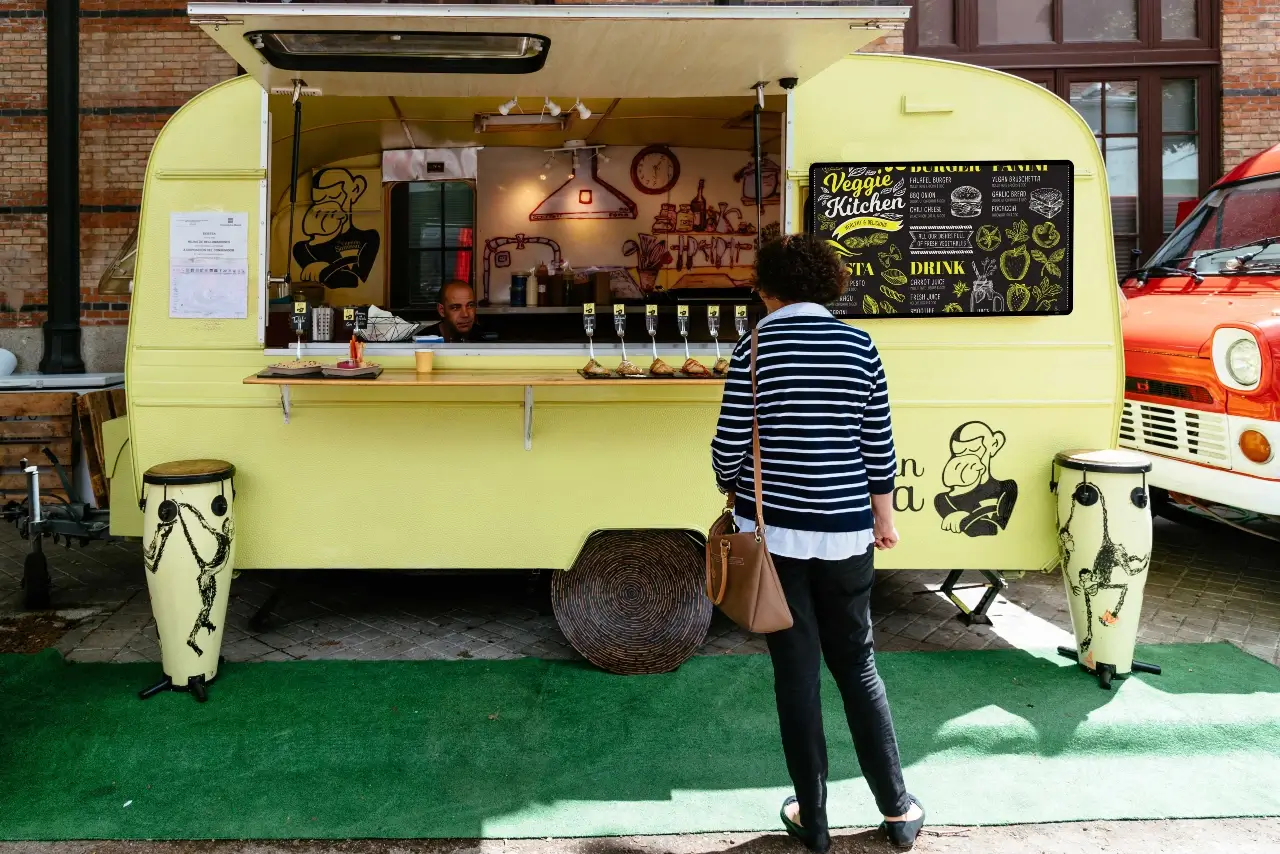
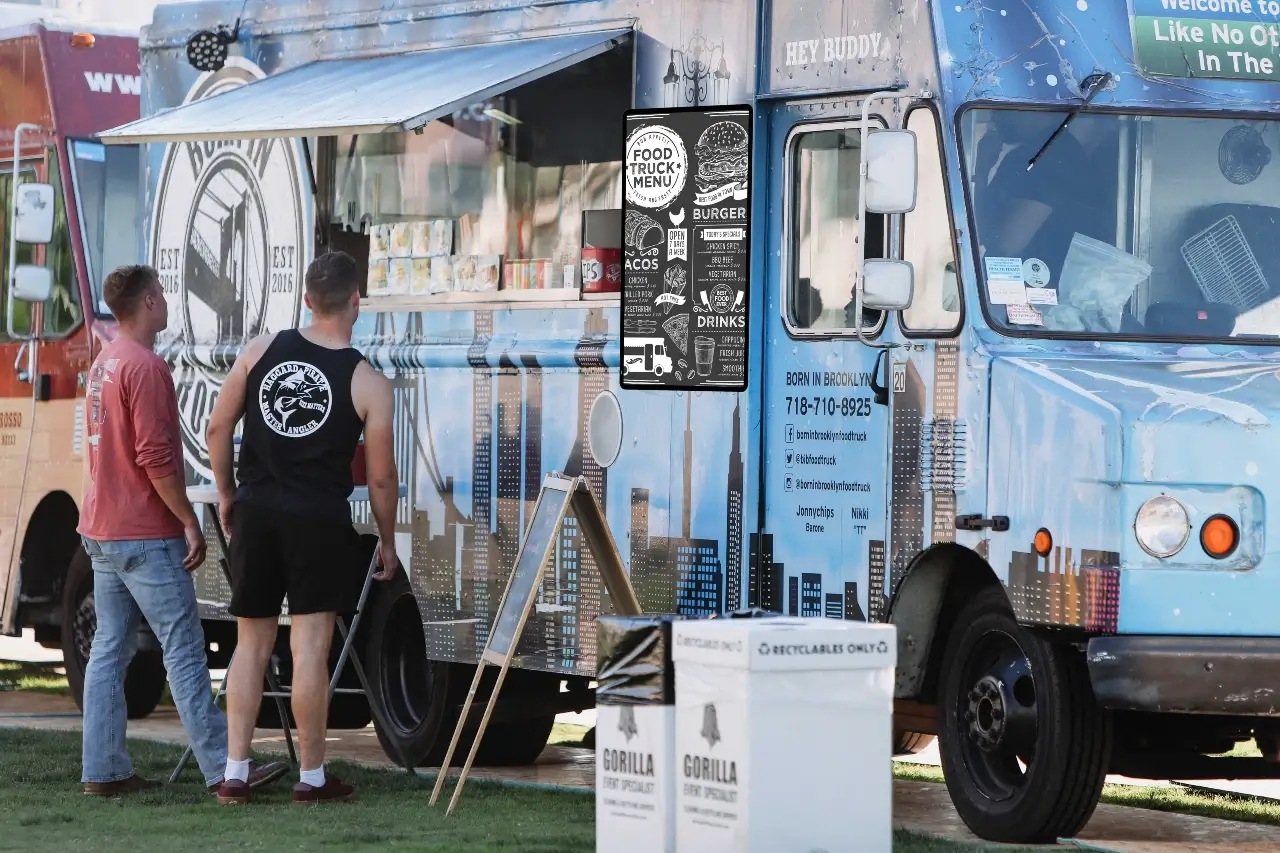
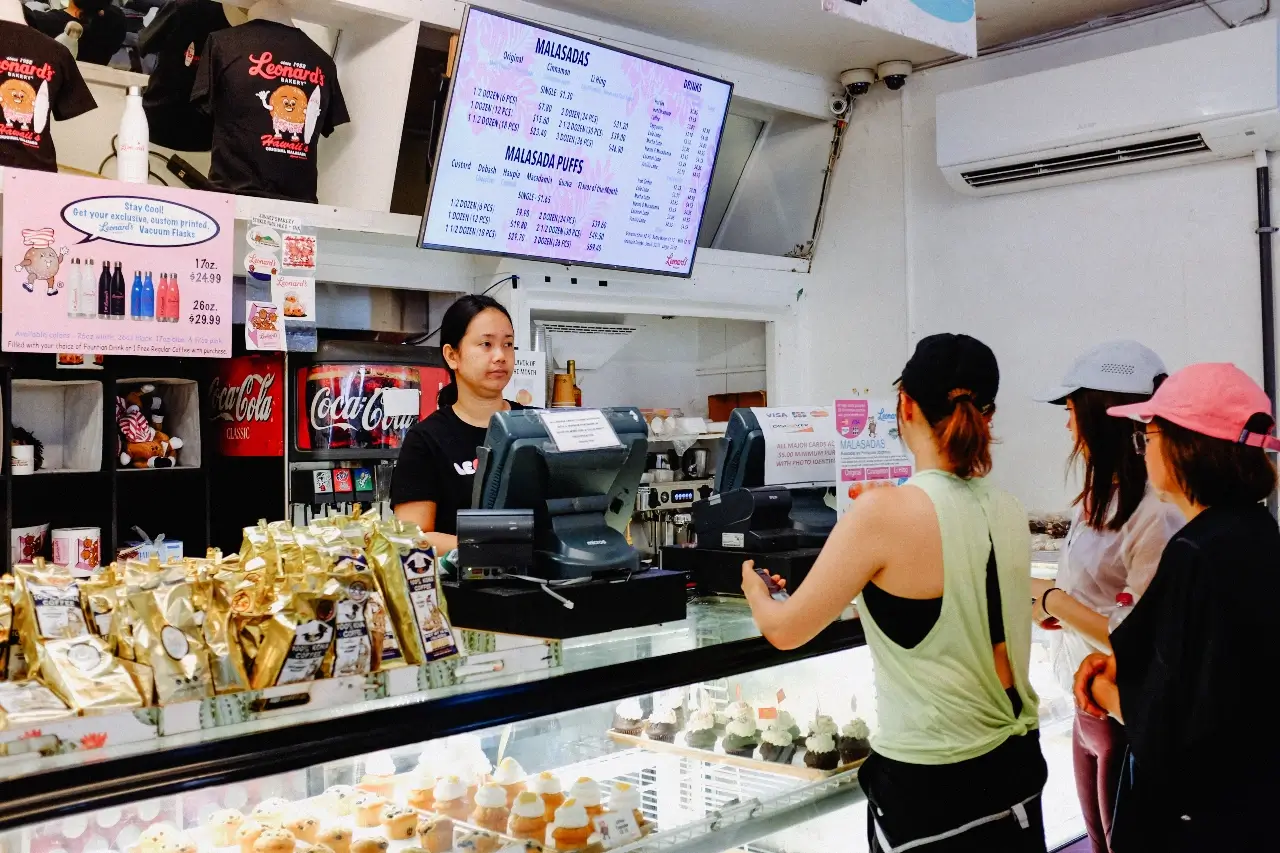
Sample menus and the places that use them.


Create your account and set up your first display today.